
MuseHub vs MuseScore: What Is the Difference?
MuseHub and MuseScore Studio are related, but they are not the same application. MuseScore Studio is where you write and play notation; MuseHub is the desktop catalog and manager that can deliver MuseScore products, MuseSounds, plugins, and updates. This comparison shows which one you need, when they work together, and when MuseHub is optional.

Choose MuseScore Studio when you want to compose, edit, print, or play a musical score. Choose MuseHub when you want a catalog and manager for supported Muse products, including MuseSounds on Windows and macOS. Many MuseScore users use both: MuseHub downloads and updates the libraries, while MuseScore Studio uses them for playback. You do not need MuseHub merely to open MuseScore Studio or create a score.
At-a-glance comparison
| MuseHub | Desktop catalog, installer, content manager, and supported product updater. |
|---|---|
| MuseScore Studio | Notation and composition application for writing, editing, and playing scores. |
| MuseSounds | Specialized playback libraries used inside MuseScore Studio. |
| MuseSampler | Playback technology that loads supported MuseSounds instruments. |
| Need both? | Only if you want managed MuseSounds or another MuseHub-delivered product. |
| Linux | Linux users use MuseSounds Manager for MuseSounds rather than the full Windows/macOS MuseHub marketplace. |
MuseHub and MuseScore do different jobs
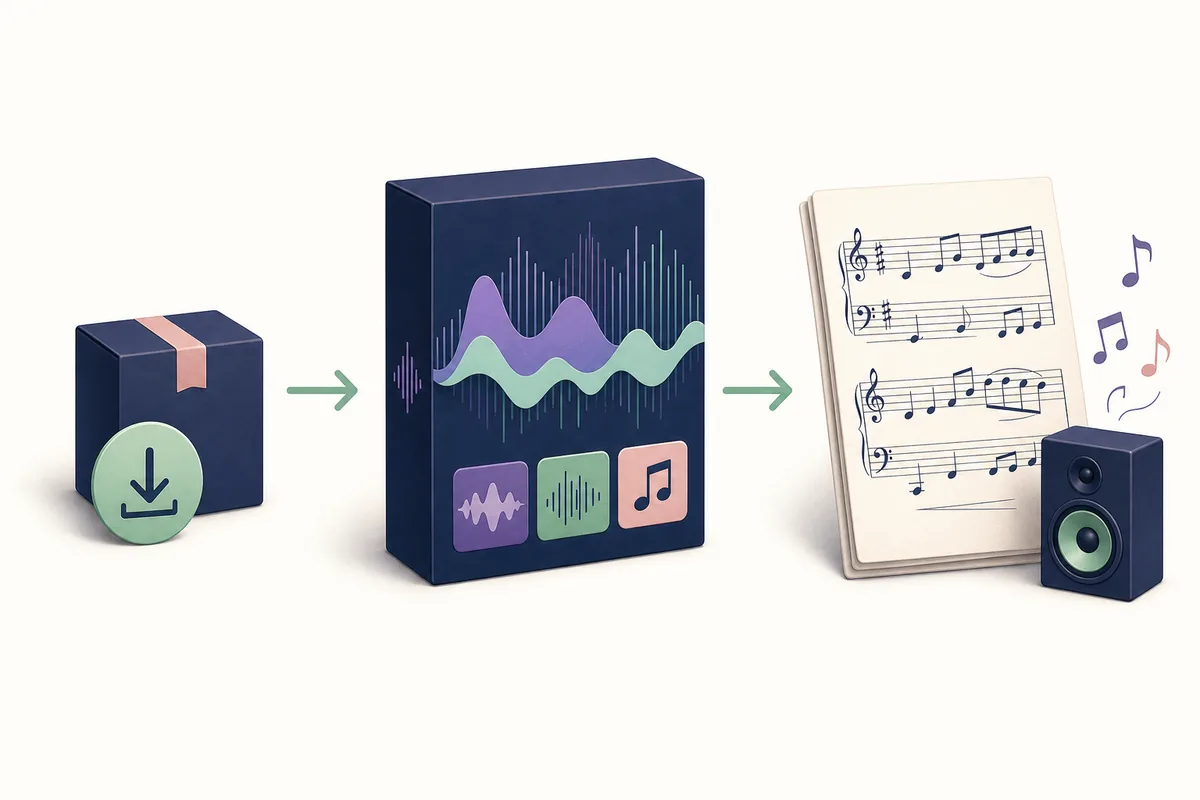
The simplest way to remember the difference is to treat MuseScore Studio as the creative workspace and MuseHub as the delivery layer. MuseScore Studio contains the score editor, palettes, playback controls, parts, layouts, and export tools. MuseHub contains a catalog and the management actions needed to obtain supported applications, sound libraries, plugins, and other products.
That means installing MuseHub does not give you a second notation editor, and installing MuseScore Studio does not automatically install every optional MuseSound. The two products can appear in the same workflow because a score writer may use MuseHub to download a library and then switch to MuseScore Studio to select it. For a broader explanation of the manager itself, read what MuseHub is and what it is used for.
The comparison is also different from MuseHub versus MuseSounds. MuseSounds are content for playback, not a competing application. MuseHub manages the delivery; MuseScore Studio is the place where the score and playback profile are used.
What each product does
MuseHub is useful when the product needs a managed acquisition or update path. It can present participating applications, plugins, MuseSounds, loops, and other audio products, then track downloads, installation, authorization, and updates for the products it supports. It is closer to a music-software catalog and manager than to a digital audio workstation or notation program.
MuseScore Studio is the application used to create and edit notation. You can enter notes, change instruments, arrange staves, prepare parts, set playback behavior, and export or share the score there. MuseScore Studio can be useful without a large optional sound library; the extra library changes playback content and realism, not the basic identity of the notation editor.
MuseSampler sits between the score and the sampled instruments in workflows that use supported MuseSounds. It is a playback component, not a replacement for MuseScore Studio and not a general-purpose plugin that should be expected to load in every DAW. Product labels matter: a MuseSound, a VST3 effect, a standalone application, and a loop pack are different categories.
| Product or layer | Main job | Where you use it |
|---|---|---|
| MuseHub | Finds, downloads, installs, authorizes, and updates supported products | Desktop catalog and manager |
| MuseScore Studio | Writes, edits, lays out, and plays notation | Score editor |
| MuseSounds | Adds sampled playback content for supported instruments | MuseScore Studio playback |
| MuseSampler | Loads and plays supported sampled instruments | MuseScore Studio audio engine |
| VST3 or Audio Unit plugin | Processes or generates audio in a compatible host | A DAW or plugin host, not automatically MuseScore |
How MuseHub and MuseScore work together
A typical Windows or macOS MuseSounds workflow has four stages. First, install or open MuseHub from a verified Muse source. Next, locate the desired MuseSounds product and let MuseHub complete downloading, copying, and any authorization step. Then open MuseScore Studio and choose the appropriate playback profile or instrument sound. Finally, keep MuseHub available when the manager needs to check content or updates.
If the library is installed but missing inside MuseScore Studio, the problem is not automatically a MuseHub-versus-MuseScore choice. Check whether the download completed, the content drive is connected, the metadata is present, the applications are current, and the score is using the expected sound profile. The existing MuseHub for MuseScore guide covers storage, missing libraries, migration, and Linux-specific handling in more detail.
The relationship is optional for basic notation. You can write a score with MuseScore Studio without installing every sound library. MuseHub becomes more important when you want managed MuseSounds, a supported catalog product, or a single place to review updates.
Which one do you need?
Choose MuseScore Studio first if your goal is to write sheet music, arrange an ensemble, print parts, rehearse playback, or export a score. The editor is the product that directly answers that job. MuseHub is not a substitute for the editor, and opening MuseHub alone will not let you enter notes or format a page.
Add MuseHub when you want MuseSounds for more detailed playback, need a supported Muse product from its catalog, or prefer managed downloads and updates. This is especially relevant on Windows and macOS. If you only need the basic notation application, installing the manager may add complexity without giving you an essential feature.
Linux is a separate case. The official workflow uses MuseSounds Manager for MuseSounds rather than the complete Windows/macOS MuseHub marketplace. Check the current Linux MuseSounds Manager guide before assuming that a Windows or macOS instruction applies to your distribution.

Downloads, accounts, and system requirements
MuseScore Studio and MuseHub are not interchangeable download targets. If you need the notation app, follow the official MuseScore distribution path. If you need the manager or MuseSounds delivery path on Windows or macOS, follow the official MuseHub download instructions. This site links to first-party destinations rather than hosting or repackaging installers; start with the MuseHub installation guide when you need platform steps.
An account is not a universal requirement for every action. Official MuseHub guidance says some applications, including MuseScore Studio and Audacity, can be downloaded without an account, while purchases, trials, device authorization, and some catalog products can require sign-in. Read the product-specific requirement instead of assuming that the account rule for one product applies to all of MuseHub.
Before installing, check the current operating-system and architecture requirements. The official public download page does not expose one stable public MuseHub version number for Windows and macOS, so this page does not invent a latest version. The direct installer destinations currently recorded by this site were checked on August 1, 2026; use the official source page for current release details and see the system requirements guide for compatibility boundaries.
Common MuseHub and MuseScore confusion
A MuseHub icon in the system tray does not mean that MuseHub is the notation editor. It usually means the manager is available for downloads, background work, content status, or updates. Likewise, a MuseSounds download does not install a complete replacement for MuseScore Studio; it adds playback content that the score application can use.
Do not describe MuseSounds as ordinary VST plugins. MuseSounds are designed for MuseScore Studio playback, while conventional VST3 or Audio Unit products are loaded by compatible hosts. If you are trying to make an effect appear in Audacity, use the dedicated MuseHub plugin and Audacity tutorial instead of applying MuseSounds instructions.
Finally, do not choose between the names based only on which icon appears first in a search result. Choose the task: compose and edit notation in MuseScore Studio; manage supported content in MuseHub; use MuseSounds for the playback libraries; and follow the official source for platform-specific downloads.
MuseHub vs MuseScore FAQ
Do I need MuseHub to use MuseScore Studio?
No. You can use MuseScore Studio for notation without installing every MuseHub-managed product. MuseHub is useful when you want managed MuseSounds or another supported catalog product.
Is MuseHub the same as MuseScore?
No. MuseHub is a catalog and product manager. MuseScore Studio is the notation application used to write, edit, and play scores.
Does MuseHub install MuseSounds for MuseScore?
On supported Windows and macOS workflows, MuseHub can download and manage MuseSounds, while MuseScore Studio uses those libraries for playback. The applications still have separate roles.
Are MuseSounds VST plugins?
No. MuseSounds are specialized playback libraries for MuseScore Studio. A VST3 or Audio Unit plugin is a different product type intended for a compatible host.
Should I download MuseHub or MuseScore first?
Start with MuseScore Studio if your immediate goal is writing notation. Add MuseHub when you need MuseSounds, managed content, or a supported product from the MuseHub catalog.
Can Linux users use the same MuseHub instructions?
Not always. The official Linux workflow uses MuseSounds Manager for MuseSounds rather than the full Windows and macOS MuseHub marketplace. Check the Linux-specific guide and current source notes.
Official sources used
Product roles, download boundaries, account rules, and compatibility notes were checked against first-party MuseHub and MuseScore material on August 1, 2026.
- What is MuseHub? - Official description of the catalog, manager, supported products, and account behavior.
- MuseHub download links per operating system - First-party Windows, macOS, and Linux download destinations; no stable public Windows/macOS version number is claimed here.
- MuseScore Studio download - Official MuseScore distribution page for the notation application.