
Is MuseHub Safe? Malware, Privacy, and Download Checks
Is MuseHub safe? It is a legitimate Muse ecosystem product, but that does not make every mirror, installer, or local configuration safe. Use the official source, inspect the file, review permissions, and choose a direct MuseScore or Audacity download if you only need those apps.
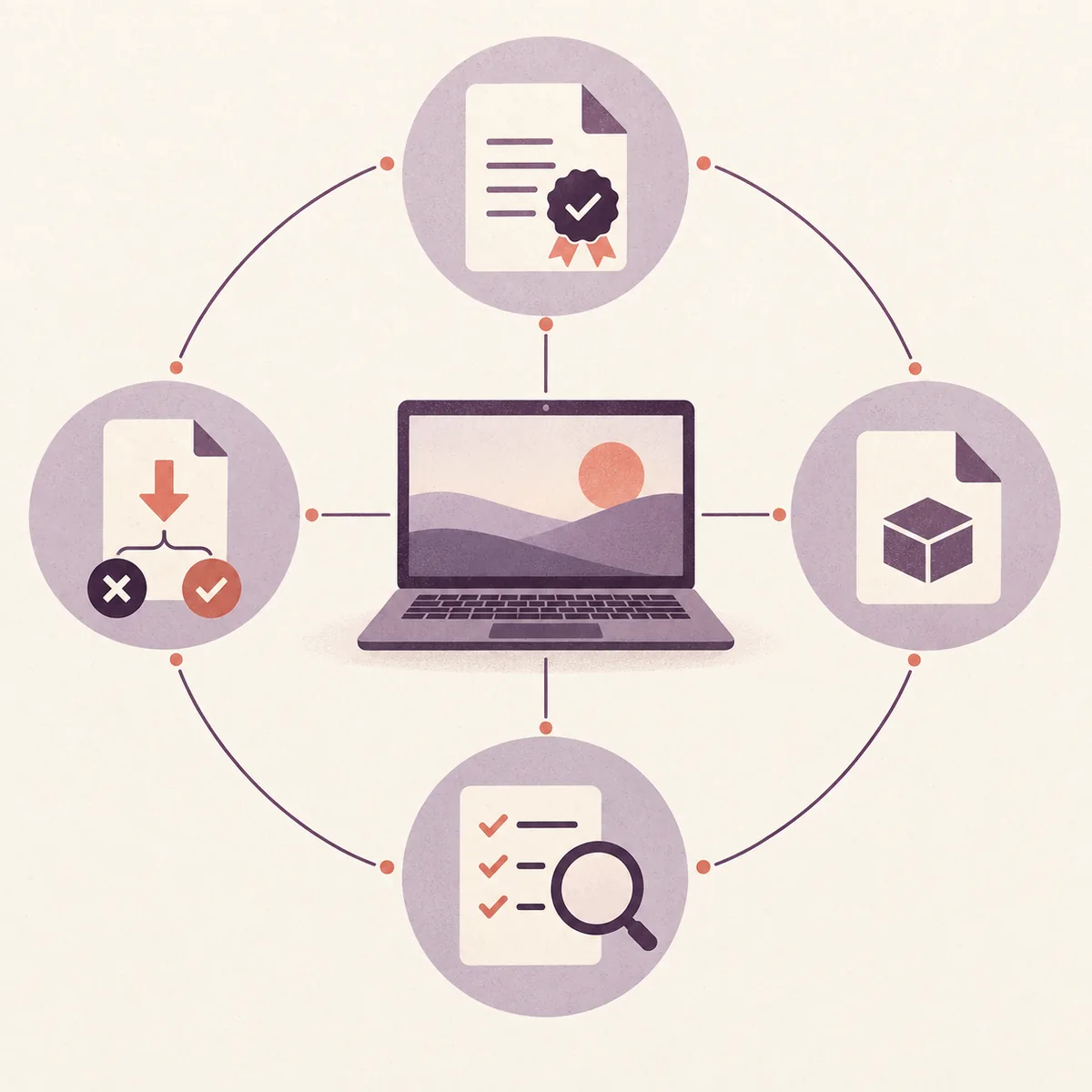
MuseHub is associated with Muse Group and should be downloaded from the official MuseHub support page. That verifies the publisher route, not every copied installer or every catalog item. Check the domain, filename, publisher or signature, local scan, permissions, and background behavior. If you only need MuseScore Studio or Audacity, compare the direct MuseScore route or direct Audacity route.
Safety decision at a glance
| Product identity | A real Muse ecosystem desktop catalog and manager. |
|---|---|
| Best source | Official MuseHub site or Help Center; avoid repacks and mirrors. |
| Safety boundary | The publisher name cannot certify every local file or third-party product. |
| Why it runs | Downloads, updates, content delivery, or authorization may need the manager. |
| Direct alternatives | MuseScore Studio and Audacity have official direct download paths. |
| Version wording | No stable public MuseHub version number was claimed from the checked source. |
What can we actually say about MuseHub safety?
The question “is MuseHub safe” has three parts: is the product real, did this installer come from the publisher, and do its permissions and background behavior fit your needs? A single yes or no cannot answer all three.
First-party MuseHub and Audacity material identifies MuseHub as a catalog and management route for supported music apps, plugins, MuseSounds, and related content. Community posts may describe unwanted installation or malware, but those are user reports unless the exact file is independently verified. Preserve any security-tool detection and investigate the file itself.
How to verify a safe MuseHub download
Start with the domain, not the filename. Use the official MuseHub site or Help Center and do not treat a search ad, file host, or download portal as an equivalent source. The same rule applies to the official MuseScore and Audacity pages when you want only those standalone apps.
Before opening the file, compare the domain, HTTPS connection, platform, filename, and download context with the first-party instructions. Stop if a page asks you to disable security software, run a command, install an unrelated extension, or accept a renamed executable.
- Check that the domain is the official MuseHub, MuseScore, or Audacity domain you intended to visit.
- Prefer the download link documented by the first-party support or product page.
- Reject repacked installers, cracks, “portable” bundles, and pages that pressure you to bypass a warning.
- Keep the source page and download date if you later need to report the file.
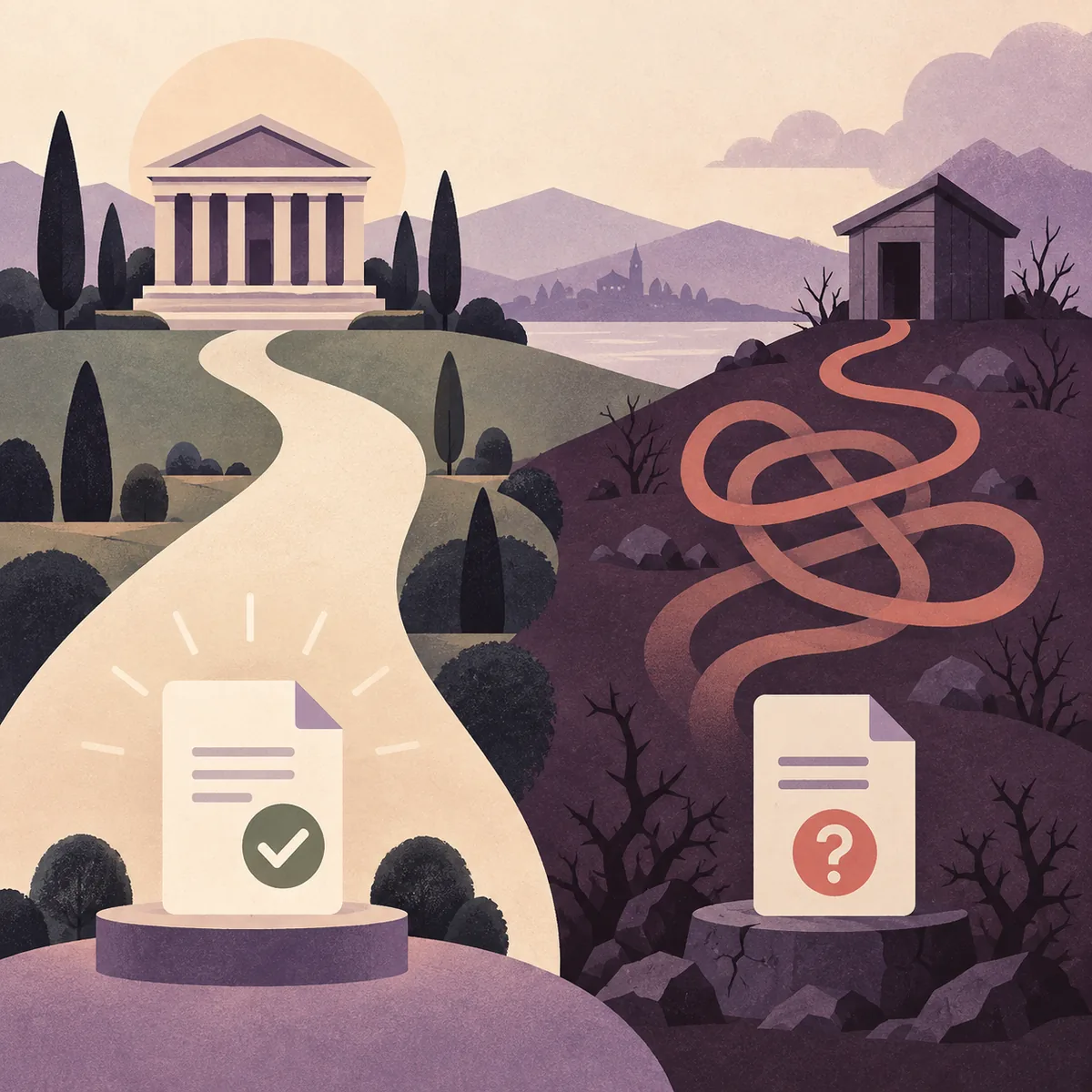
Check the installer, publisher, and requested permissions
On Windows, review Properties and Digital Signatures when available; on macOS, check the package source, application location, and publisher information. These are useful signals, but the first-party download path remains the strongest starting point.
Run your normal, up-to-date security scan before opening the file. If it reports a detection, do not add an exclusion just to finish. Preserve the detection name, quarantine the file if advised, and obtain a fresh official copy only after understanding the alert.
- 1Preserve the file
Keep the filename, location, source URL, and any security detection long enough to compare them.
- 2Inspect publisher details
Look for an expected signer, path, and extension; be cautious with temporary folders and double extensions.
- 3Review permission scope
Ask whether startup, background, network, account, and content-folder access match the products you need.
Background services, privacy, and why MuseHub stays on a computer
Users may ask “why is MuseHub on my computer?” because a manager can remain available for catalog downloads, updates, content delivery, or authorization. Expected background behavior is not automatically desirable for every computer, so review the settings and the workflow you use.
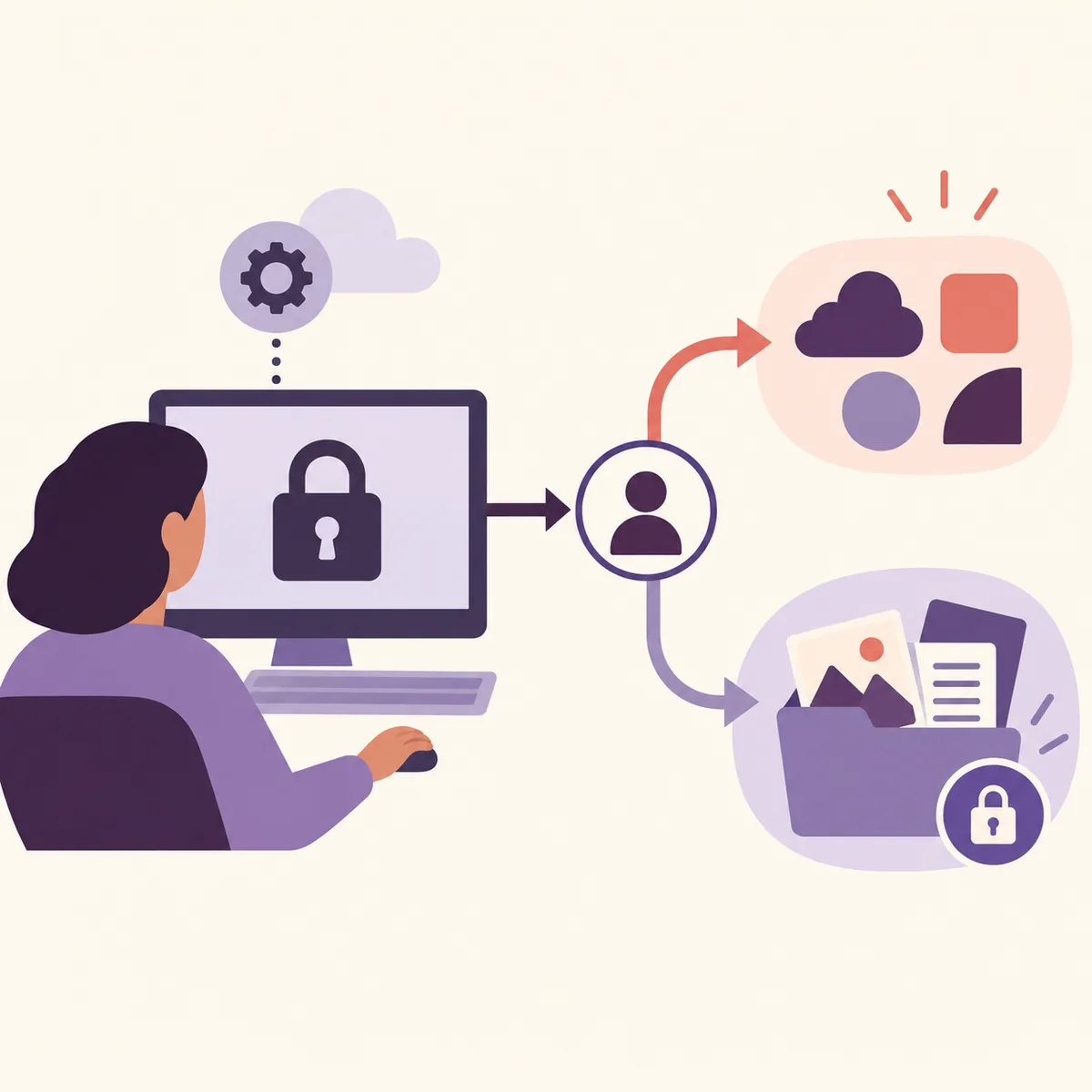
Keep privacy and malware questions separate. A legitimate application can still collect account, device, diagnostic, or usage information under its terms. If you do not use MuseHub-managed products, compare that ongoing access with a direct official download. If a partner product depends on MuseHub for authorization, check its support instructions before removing the manager.
| Question | What to check | Safer next move |
|---|---|---|
| Legitimate product? | Publisher and first-party source | Use official MuseHub pages |
| Trustworthy copy? | Domain, filename, signature, scan, and path | Stop on unexpected evidence |
| Need the manager? | Catalog content or authorization dependency | Use a direct app route when suitable |
When to pause, remove, or contact support
Pause when the domain, filename, publisher details, or security scan do not match the official instructions. Also stop when an installer asks for unrelated permissions or tells you to bypass a warning. You do not need to prove malware before deciding not to run a file.
If you no longer want MuseHub, read the MuseHub removal guide first. The manager, applications, plugins, MuseSounds, and libraries may be separate. Contact official support with the operating system, filename, source page, error text, and steps already tried; never send passwords or license-bypass files.
- Do not disable antivirus or endpoint protection just to finish an installer.
- Do not upload private project files or license data to an unknown scanner or forum.
- Back up important scores, sessions, presets, and licensed content before removal.
- Use the MuseHub troubleshooting guide when the issue is startup, connection, authorization, download, or missing content rather than suspected malware.
MuseHub or a direct official download?
Choose the smallest understandable installation. MuseHub is useful for supported products, MuseSounds, plugins, updates, account-based content, and shared management. A direct official download is simpler when you only need MuseScore Studio or Audacity.
Direct installation does not provide every MuseHub-managed workflow, and a MuseHub plugin still has its own format, host, license, and authorization rules. Compare the MuseHub overview and MuseHub for Audacity guide before deciding.
- 1Choose the source
Use the official product or support page.
- 2Check the file
Compare platform, filename, publisher details, and scan result.
- 3Review the workflow
Keep only the permissions and manager features you understand.
| Your goal | Usually the clearer route | Why |
|---|---|---|
| Only notation | Official MuseScore download | Focused initial install |
| Only audio editing | Official Audacity download | MuseHub is optional for ordinary editing |
| Managed sounds or plugins | MuseHub instructions | Delivery or authorization may depend on it |
| Suspicious installer | Stop and get a fresh official copy | A familiar filename proves nothing |
Is MuseHub Safe? FAQ
Is MuseHub malware?
MuseHub is a legitimate Muse ecosystem product, but verify the exact file's source, publisher details, scan result, permissions, and path.
Is MuseHub legit and safe to download?
Use the official MuseHub site or Help Center; a legitimate product identity does not make an unofficial mirror safe.
Why is MuseHub on my computer?
It may manage supported applications, plugins, MuseSounds, or other catalog content; check the installation path and official removal instructions.
Do I need MuseHub for MuseScore?
Not necessarily; MuseScore Studio has a direct official download, while MuseHub can manage supported MuseSounds and related content.
Do I need MuseHub for Audacity?
No for ordinary recording and editing, although a specific MuseHub-distributed plugin may have separate management or authorization requirements.
Should I uninstall MuseHub?
Uninstall it when you do not need its catalog, content, update, or authorization workflow, after checking which products and libraries are separate.
Official sources and context
First-party MuseHub, MuseScore, and Audacity sources were checked on September 18, 2026. Community reports are context, not verified malware findings.
- How to get MuseHub - First-party download route and installation context.
- MuseHub official site - Product identity and catalog positioning.
- MuseScore Studio download - Direct official alternative.
- Audacity: Introducing MuseHub - Publisher relationship and product distinction.